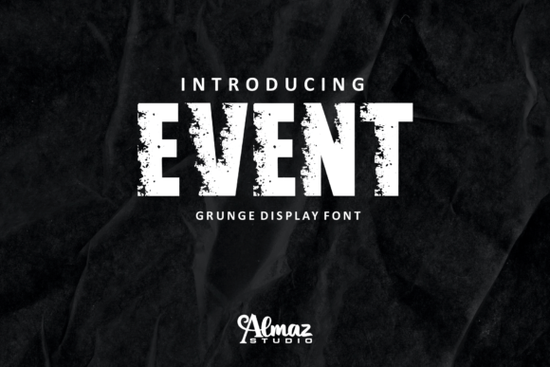
If you need a typeface that delivers immediate visual weight without feeling overly decorative, Event Font fits that space perfectly. This grunge sans-serif brings a rough, textured edge to your layout while keeping the clean structure readers expect from modern display type. The deliberate white patches inside the letterforms give it a worn-in quality that reads clearly at various sizes. Whether you run a print-on-demand shop or build brand identities for active lifestyle markets, this style handles bold headlines without losing readability.
Why does a distressed sans-serif outperform smooth templates?
Smooth lettering often blends into crowded feeds or prints too softly on dark fabrics. Heavy strokes paired with intentional surface wear create instant contrast against solid backgrounds and photographic textures. Because the shape stays grounded in contemporary geometry, the style remains legible rather than turning into pure noise. Crafters especially value the built-in variations, which reduce manual editing when transferring designs to vinyl cutters or heat press machines.
Finding complementary shapes helps maintain balance across a single project. Retro groove typography pairs cleanly with these angular forms when you need curved accents to soften rigid layouts. Switching to lighter weights keeps attention centered on the main message without competing for visual space.
How do I actually place this texture on physical products?
When preparing artwork for merchandise, match the output method to your finish. Vinyl cutting benefits from clean outer contours and thick interior islands found in the sturdy stems. Sublimation printing handles fragmented details smoothly, though increasing contrast before exporting keeps those white patches crisp. Running quick mockups on apparel and wall art verifies how the weathered look translates under different lighting.
Testing different moodboards reveals real flexibility. Combine rugged block letters with educational tracing sets to create workbook pages that feel less rigid. Enchanted fairytale scripts round out children’s book covers where fantasy meets grit. Flowing cursive personal branding works surprisingly well beside heavy sans-serifs when used sparingly for signatures.
What technical settings prevent clipping during production?
High-resolution vector exports remove guesswork from scaling. Always test layouts at actual print dimensions before sending them to the cutter. Check stroke thickness carefully, ensuring interior gaps stay wide enough for fine blades. Placing a subtle background rectangle behind text protects fragmented edges from busy photos. Maintaining a simple style guide for minimum point sizes guarantees consistent repeat orders. Meanwhile, classic vintage alphabets ground editorial spreads when you need quiet authority alongside the bold foreground type.
Sourcing complete families with proper commercial licenses saves time during client handoffs. Buying directly from trusted marketplaces guarantees access to full character sets and clear usage rights. Reviewing the Event Font listing confirms file formats and subscription terms upfront. Organizing assets by project type drastically cuts down revision time.
How do I avoid common layout mistakes with heavy type?
Crowding characters too tightly ruins the intended rough aesthetic. Leave breathing room around descenders so texture doesn’t become a muddy blob. Aligning headline blocks to a strict grid prevents accidental tilts that undermine the modern foundation. Preview compositions on mobile screens first, since desktop arrangements often lose impact on narrower viewports. Flattening transparency layers before export stops rendering errors on budget printers. Even delicate melodic signature styles pair gracefully when separated by clear whitespace.
Quick production checklist
Run through these steps before submitting any final file. Verify character spacing at full size. Test contrast against the actual background color. Confirm legal usage covers your specific sales channel. Match resolution to your equipment limits. Save both SVG and PDF versions for vendor flexibility. Print a single proof to catch unwanted smoothing. Update libraries when new glyph packs release. Keep reusable templates ready for recurring orders. Execute one small piece this week to lock in the workflow.
Explore Design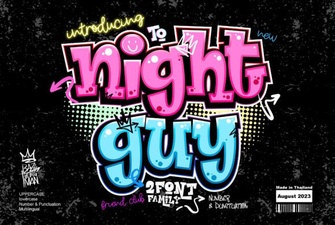 Night Guy Font: Creative Design Projects & Tutorials
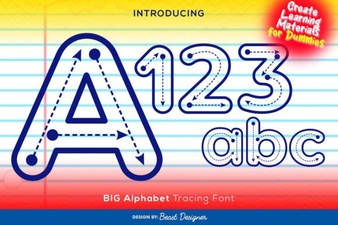 Creative Fonts for Tracing Large Letters & Numbers
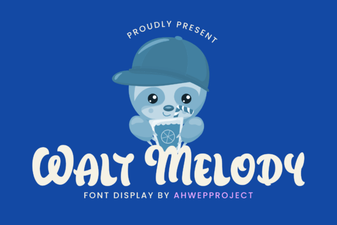 Crafting with the Walt Melody Font
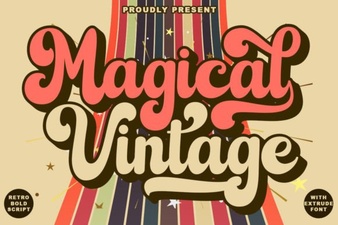 Magical Vintage Font Styles for Modern Design
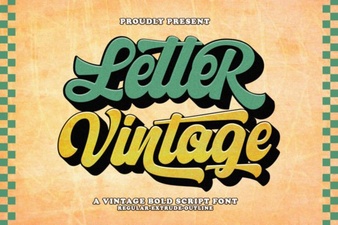 Vintage Lettering Fonts for Timeless Design Projects
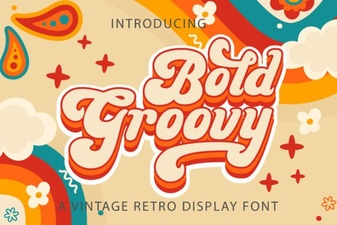 Groovy Font Designs for Bold & Creative Projects